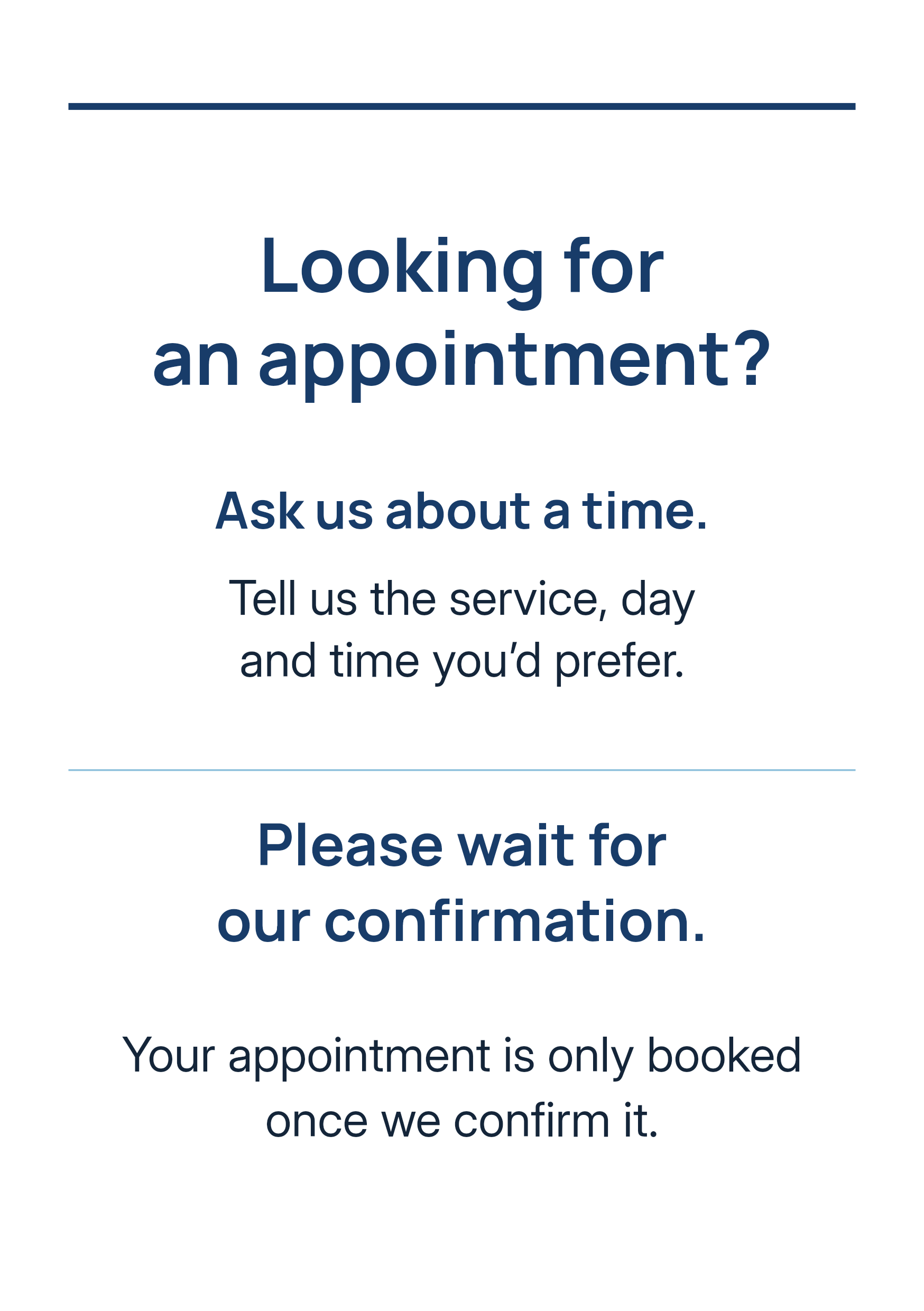
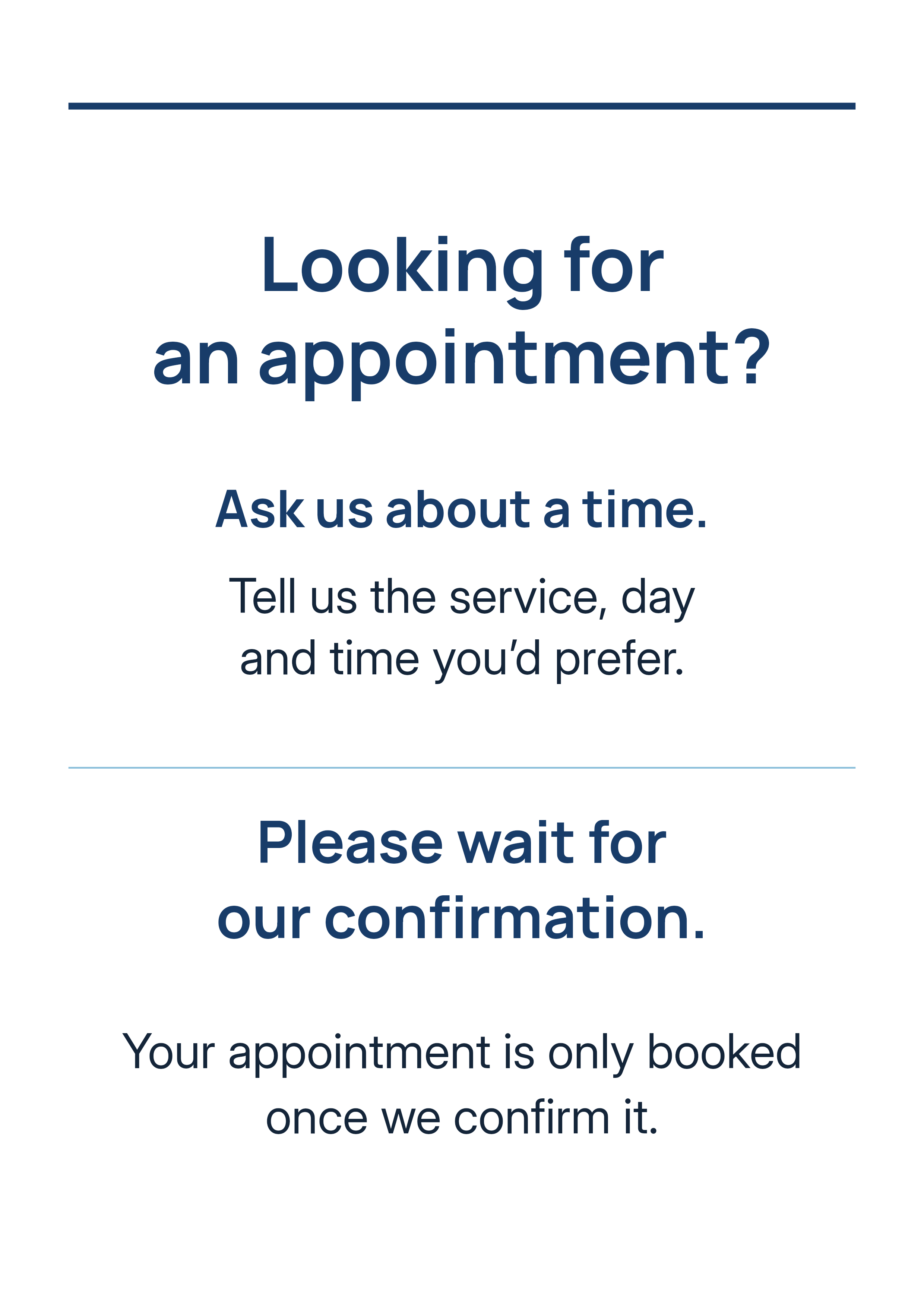
For independent barbershop owners A free sign for your counter. Help customers ask about an appointment and wait for your confirmation. Take a finished sign as a PDF or PNG, with no account or shop details needed.
Keep your current booking arrangements. Making a notice does not reserve an appointment.
Ready to use · Free download Take a sign for your counter. Help customers ask about an appointment. Download this finished sign and print it for your shop, without an account or entering any details.
It asks customers to speak to you about a time and wait for your confirmation.
Print the PDF in portrait at actual size (100%) on matching paper. PNGs are full-size, 300 dpi images.
Want your own booking details on a notice? Make a separate notice with your shop name and existing booking website, phone number or email.
Personalise a shop notice → The finished sign, ready for your customers. Two ways to guide your customers See the notice before you start. These templates use a non-operational website and a reserved phone number, not a real shop’s details. Your own notice starts blank; only your details can be printed or downloaded.
Make my own notice → Booking website + QR Keep your existing booking website. Customers follow its booking steps.
Your shop name
Use our booking website Scan the QR code or type the address to visit the shop’s booking website.
Follow the shop’s booking steps and check your confirmation there.
This notice does not reserve a time. Availability and booking terms are on the shop’s website.
Phone enquiry + walk-ins Customers ask the shop and wait for confirmation. Email works here too.
Your shop name
Ask about an appointment Contact the shop to ask about a date, time and service.
Please wait for the shop to confirm your appointment before making plans.
Sending an enquiry does not reserve a time.
Prefer to walk in? Ask in the shop.
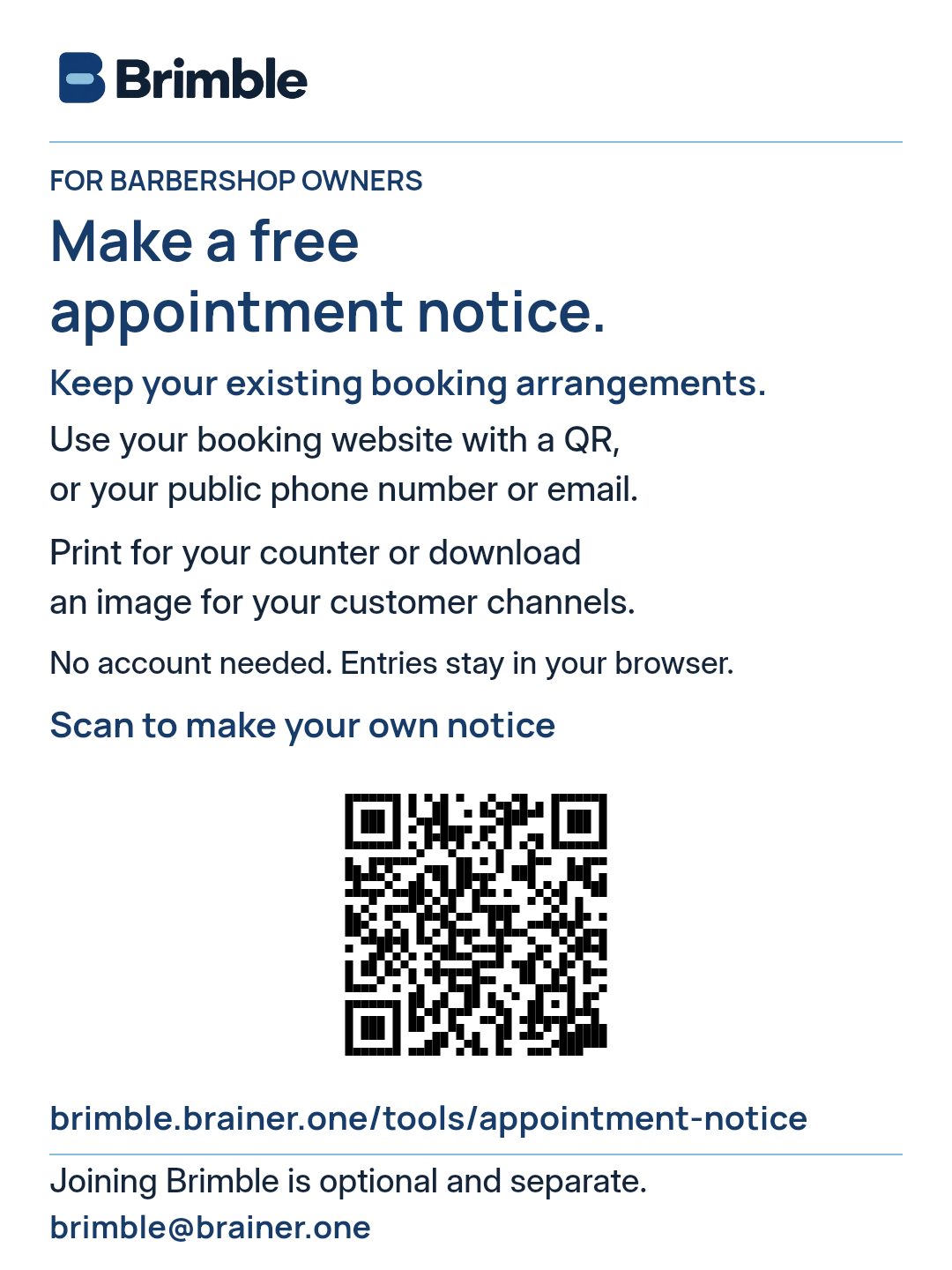
Pass it on to another shop owner Share the free notice maker. Send an invitation through your own messaging app, or take a printed copy to another shop. The address and QR open the free tool directly. They can use their existing booking website or public phone/email without an account or joining Brimble.
For a message Download owner invitation (PNG) Preview the digital invitation Invitation message — edit before copying Copy invitation message Select message
You choose the recipient and send it yourself. Brimble sends or publishes nothing. Your edits stay in this tab.
For a visit Print an invitation for another owner.
Barber directory 0 barbers listed No barbers listed yet Customer appointments begin with participating shops and agreed schedules. We’ll add shop profiles here when they’re ready.
Local shops.